Help /
gopay /
How to manage your payment method
You can manage your payment method (to add or remove) to make transactions in Gojek app by following these steps:
- Choose ‘More’ on GoPay menu in Gojek app homepage
- Click 'Settings' > ‘Manage payment methods’.
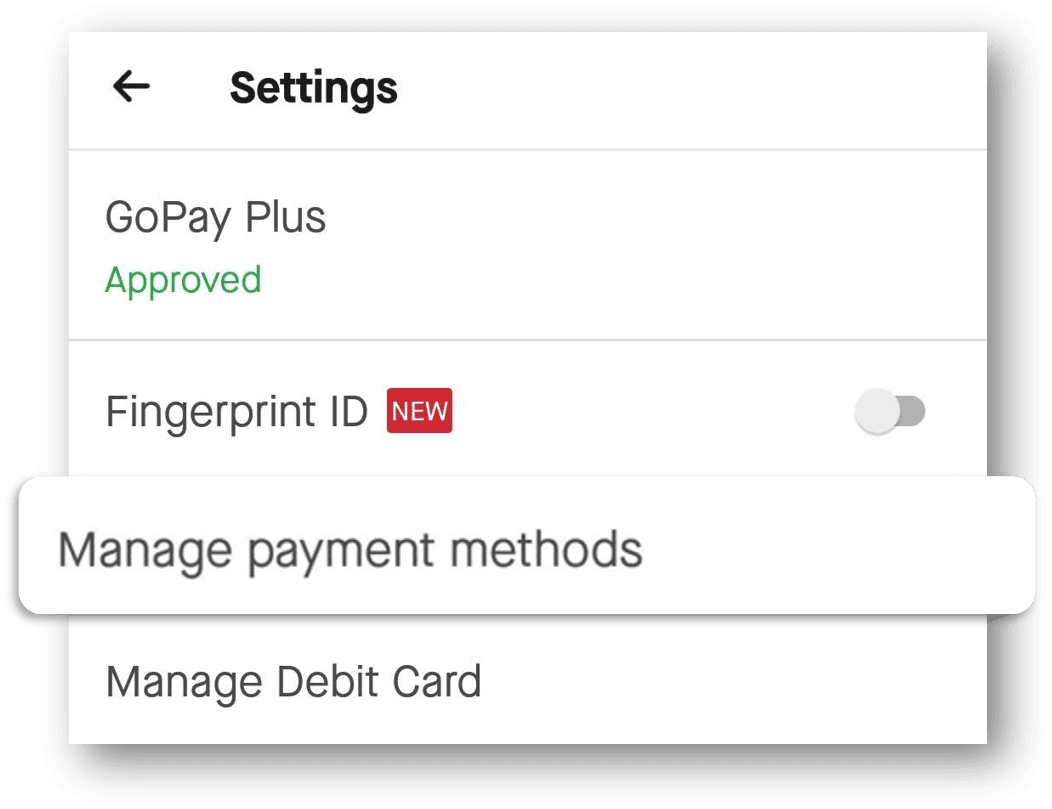
On that page, you can:
- Add the available payment method
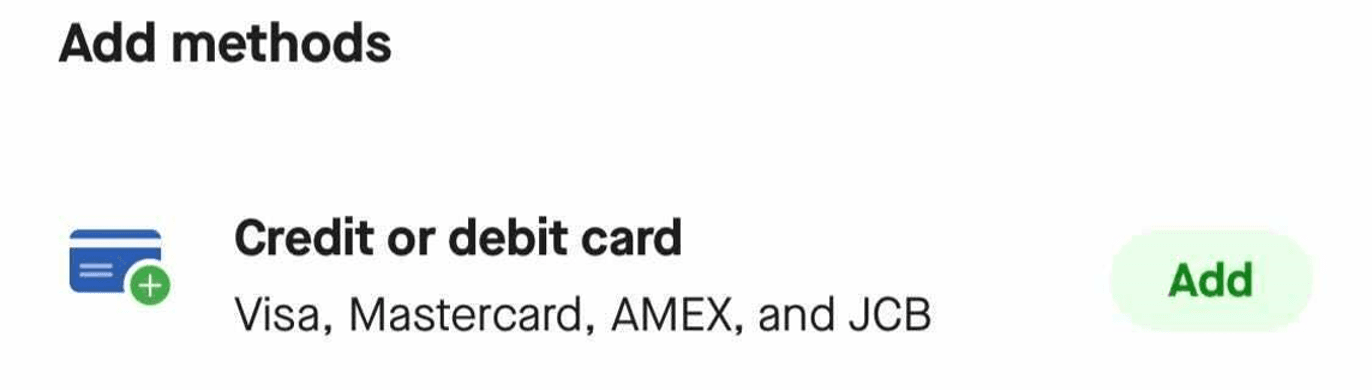
- Remove a payment method that was previously added (click on the payment method you want to remove and click 'Remove').

- You can also choose the default payment method (click on the payment method you want to remove and click ‘Set as default’).

Hope this information helps you.