
Follow the steps below to Upgrade GoPay Plus:
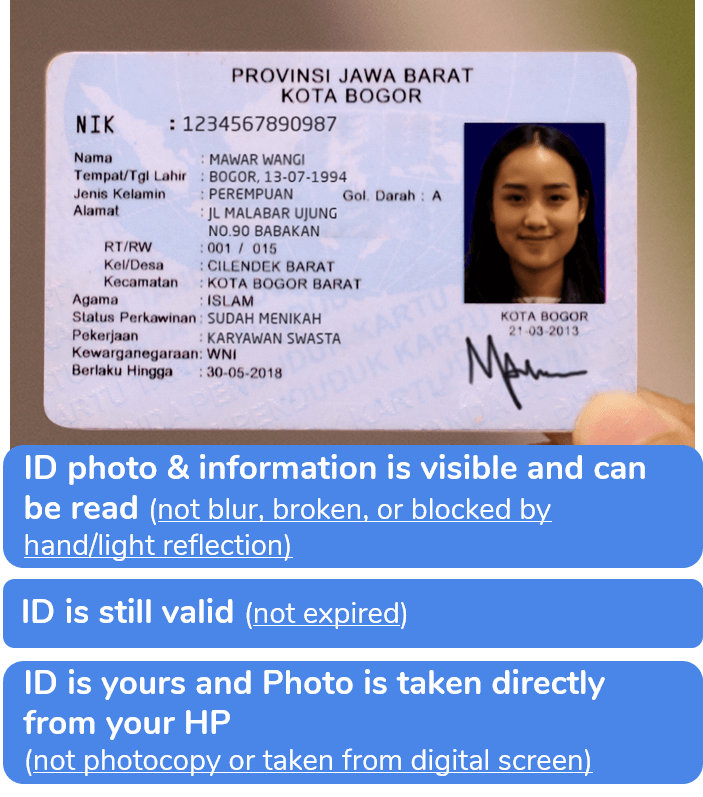
Take a clear picture of your own ID Card and not a copy or scanned photo (eKTP for Indonesian Citizen/Passport for foreigner) and make sure your personal details on the ID Card is readable.
Important!
ID card you registered can only be used for 1 (one) Gojek account.
Take a clear selfie of your face
Send the documents by clicking 'Submit Documents'
Note:
If your eKTP is lost or damaged, you can fix it first by clicking this link to know how.
After submitting the documents, you can check the status on the GoPay 'Settings'
Once your GoPay Plus status becomes "Approved", please wait for a few moments before using GoPay Plus benefits.